Packing
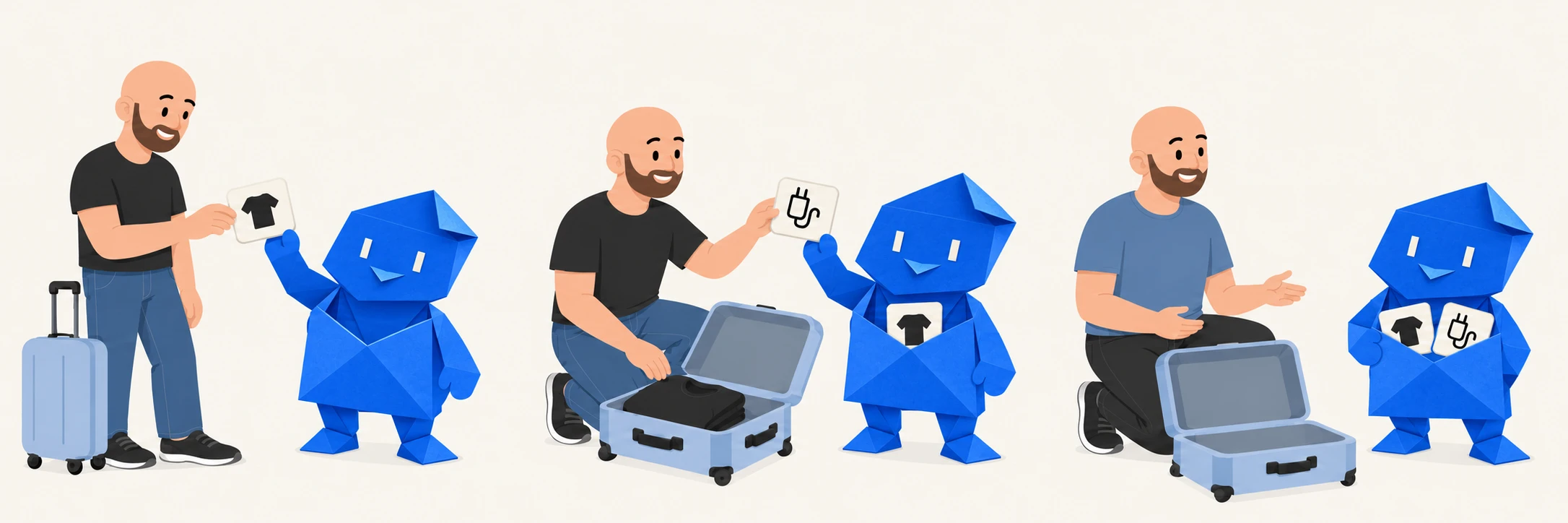
Remember what to bring. See what’s already in the bag.
Phone charger · Toothbrush · 3 T-shirts
A little preparation. A lot less juggling.
Packing a bag. Getting ready for guests. Tackling a cleanup. Put the steps in a Run, work through them at your pace, and keep them if they’ll help again.
Try the packing example here. No account needed.

Your Run
Big plans. Everyday stuff.
Something you’re doing once. Something you do every week. Start with what needs doing.
Remember what to bring. See what’s already in the bag.
Phone charger · Toothbrush · 3 T-shirtsThe usual essentials, plus the things you just remembered.
Coffee · Paper towels · ApplesGet the room, the food, and the little things ready.
Clear the table · Chill the drinks · Clean towelsGive a big cleanup a few smaller places to start.
Put things away · Clear the surfaces · VacuumKeep the steps for opening up, handing over, or wrapping up.
Check the schedule · Prepare the space · Hand overOne place for the boxes, bookings, and address changes.
Book the van · Label the boxes · Update the addressIt doesn’t have to fit a category. See how a few steps can help →
Why I made Runs
“Before every trip, I’d stress about packing and still forget something important. Each time, I’d focus so much on what I forgot last time that I’d forget something else.
With Runs, I could think everything through ahead of time. When it was time to pack, I just followed my list. The biggest relief was that I stopped triple-checking. If it was marked complete, I knew it was packed.”
 VinceFounder of Runs · Rayscape Studios
Give it a go
Check something off. Remember something else? Add it.
Just a practice Run. Your changes won’t be saved or carried into an account. Use pretend details.
Packing example
0 of 3 done
From “I need to” to “that’s done”
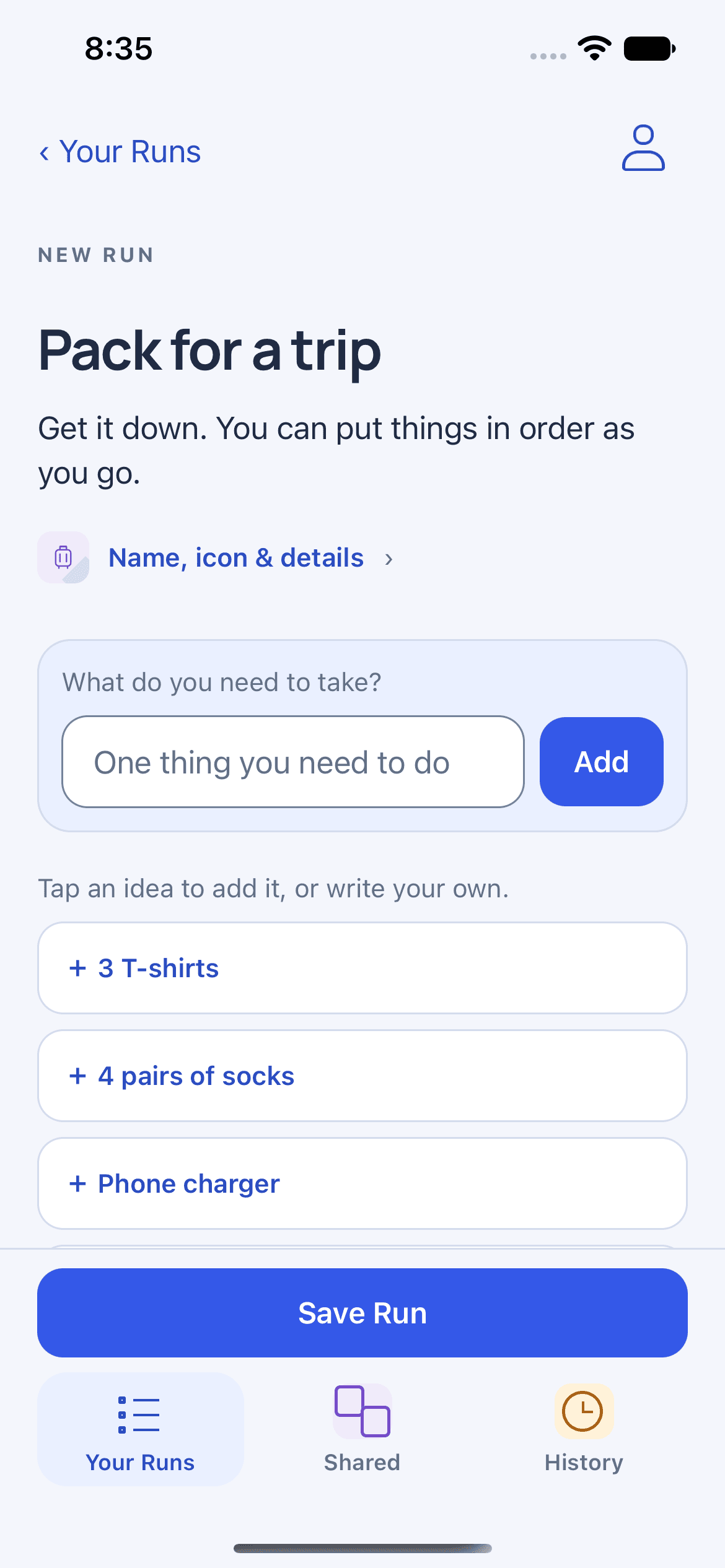
Add what comes to mind. Change the wording, put things in order, and make the Run your own. You don’t need a perfect plan to begin.
Check off what’s done. Skip what you don’t need this time. Remember something else? Add it and keep going.
A one-time Run counts. If you need it again, start fresh from your saved steps. Leave yourself a note for next time if there’s something you want to remember.
A few things you might be wondering
A Run is a set of steps you work out and follow. Make one for packing a bag, getting ready for guests, or another task you want to work through. You choose the steps and adjust them as you go. Use it once or keep it for another time.
Runs keeps your saved steps separate from each attempt. You can start fresh without clearing your previous progress, look back at what happened, and leave a note for next time.
No. A Run here is a plan you work through, whether that’s packing for a trip, cleaning a room, or getting something else done.
No. Use Runs when it helps. There’s no streak to keep up and no need to turn a one-time task into a routine.
Find Runs: Think, Then Do on the US App Store. It’s free on iPhone. You can also use Runs in your browser. On Android? You can use Runs in your browser, too. There isn’t a native Android app yet.
Going hiking? Your checklist shouldn’t need a signal either. On iPhone, you can create and complete Runs offline. Get set up online before you head out, including accepting the content terms when prompted. Offline access lasts up to seven days after your account is checked. Your changes sync when you reconnect and account access is verified. The browser app needs an internet connection.
Yes. Sharing sends the other person an independent copy they can use and change. You aren’t editing the same live checklist together.
One thing you’ve been meaning to do
Start with a few steps. The rest can take shape as you go.
Apple and the Apple logo are trademarks of Apple Inc. App Store is a service mark of Apple Inc.